


DTF White Ink Problems: Encoders, Pumps, and Maintenance Parts to Check Before Blaming Ink
The June 18 Search Console data for iColorPro included dtf white ink problem, encoders in printing industry, epson dx5 printhead, epson t6193, fc-spx305z, głowica epson dx5, vacuum pump for printing, valuejet 1204, and eco solvent ink. That search mix points to a familiar repair pattern: a print shop sees white ink instability, but the cause may sit somewhere else in the printer.
DTF white ink gets blamed quickly because it is visible, heavy, and sensitive to circulation. It does require disciplined shaking, storage, filtration, and daily maintenance. But if the printer is also showing feed errors, weak suction, inconsistent capping, or repeatable banding, the white ink bottle is only one suspect.
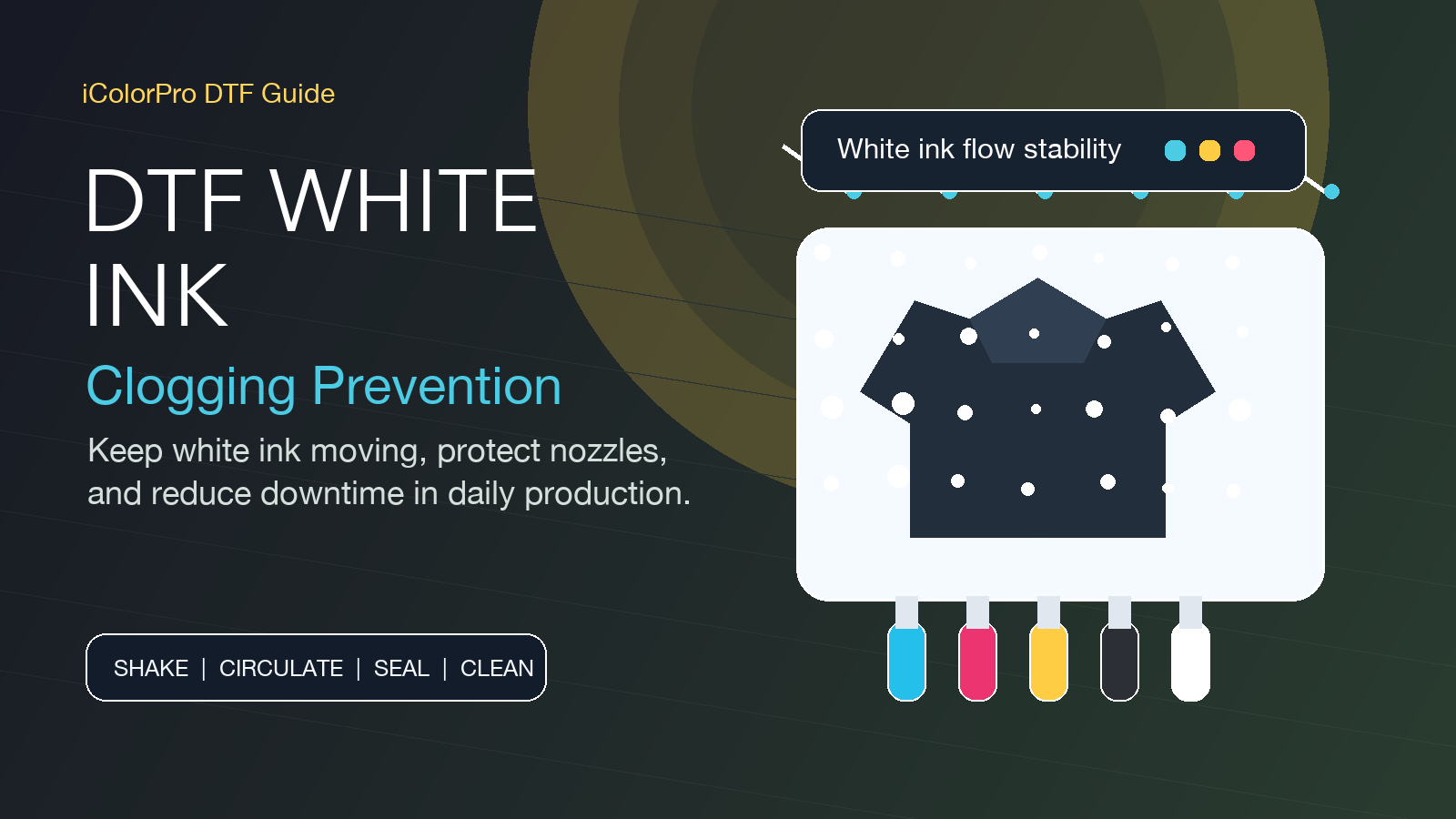
Start with the white ink symptoms, then separate them
The existing iColorPro article DTF white ink clogging: how to keep your printer stable and reduce downtime is the right starting point when white channels drop out, settle, or recover only after cleaning. White ink needs circulation and a clean path. If it sits too long, runs through old tubing, or passes through contaminated dampers, the first nozzle test of the day will tell the story.
A practical white ink check should include bottle age, storage temperature, agitation routine, tube condition, filter condition, cap sealing, and whether the ink line has air. If the white channels recover after cleaning but fail again under load, check suction and capping before changing ink brands.
Encoders can make an ink problem look worse
The query encoders in printing industry led to the guide Printer Parts: Complete Guide to Encoder Strips and Decoders. Encoder issues do not create white ink sediment, but they can create banding, position errors, and repeatable defects that get mistaken for nozzle instability.
If the defect repeats at a regular distance, follows carriage movement, or appears across multiple colors at once, inspect the encoder strip and sensor path. Clean contamination, check scratches, and confirm the strip is seated correctly. A clean nozzle pattern does not guarantee the print will look clean if the motion reference is unreliable.
DX5 searches are often repair searches, not just head searches
The English query epson dx5 printhead and the Polish query głowica epson dx5 both point to buyers looking around the DX5 platform. The Epson DX5 printhead cover UV is not the same as a new head, but protective and surrounding parts still matter during service.
Before replacing a printhead, check whether the cap height, wiper contact, cover condition, cable seating, and ink path are correct. A new head installed into a weak maintenance station can inherit the same problem in a few days.

T6193 tanks, suction pumps, and waste flow deserve attention
The query epson t6193 led to the ink maintenance tank collection. Waste ink handling is not glamorous, but a restricted waste path can affect cleaning behavior. If the tank, waste line, or pump path is blocked, cleaning cycles may not pull ink evenly.
The search vacuum pump for printing reinforces the same point. The suction pump collection belongs in the diagnosis when white ink recovers inconsistently, ink cannot be pulled smoothly, or the cap station feels weak. Repeated cleaning without enough suction wastes ink and can still leave the real fault untouched.
Limit switches and ValueJet assemblies help confirm the machine state
The exact query fc-spx305z points to the Limit Switch FC-SPX305Z. A switch issue may not sound related to ink, but home position and machine state errors can interrupt normal service routines. If the printer cannot reliably detect position, maintenance cycles and startup behavior become harder to trust.
The valuejet 1204 signal led to the ValueJet 1604/1614 maintenance assembly DG-41000. Maintenance assemblies combine several parts that shops sometimes troubleshoot one at a time. When capping, suction, and wiping are all old, replacing only one small piece may not restore stable recovery.
Keep ink families separate during diagnosis
The eco solvent ink signal led to the iColorPro eco-solvent ink blog. It is useful as a reminder that DTF, eco-solvent, sublimation, and UV workflows should not be diagnosed as if the inks behave the same way. Each ink family has its own cleaning fluid, head compatibility, drying or curing behavior, and maintenance rhythm.
For DTF white ink problems, do not jump straight from one ink brand to another. First confirm whether the machine can circulate, cap, pull, waste, and move correctly. Once the mechanical and maintenance parts are stable, ink choice becomes easier to judge.
A short diagnostic order
- White ink: check age, agitation, settling, circulation, filters, and air in the line.
- Capping and suction: confirm cap seal, pump strength, waste flow, and maintenance tank condition.
- Motion reference: inspect encoder strip condition when defects repeat in a regular pattern.
- Head surroundings: check DX5-related covers, caps, wipers, cables, and maintenance station alignment.
- Machine state: inspect limit switches and service assemblies if startup or recovery behavior is unreliable.
White ink is demanding, but it should not be treated as the only possible cause. The stronger repair habit is to check the ink path, maintenance path, motion path, and machine state together before spending money on parts that may not solve the fault.